
 Bluesky
How to download images from Bluesky posts
Save available images from Bluesky posts and loaded author replies with Postmedia.
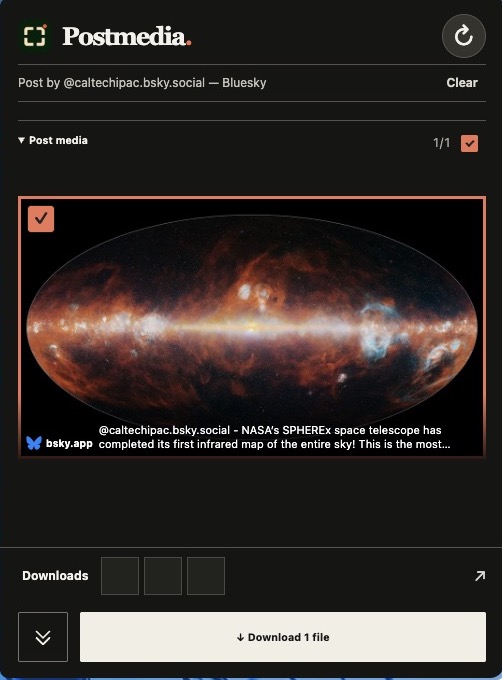
Postmedia is a paid desktop browser extension that helps you collect available media from Bluesky and review it before download. Media files are prepared in your browser.
Save images from a Bluesky post
Open the post on Bluesky and launch Postmedia. Select the available images, choose Download and review the selection. A single image saves directly; multiple files are collected in a ZIP.
Find images in a thread
Scroll through the post to load replies, then refresh Postmedia. It can collect images from public posts and replies by the original author. Media from others or uncertain matches can appear in Other.
Postmedia can only offer media it can access. Missing or unloaded images may require you to open the post and refresh.
Save only media you have permission to use. Check the source site's terms and the file's licence before reuse.