
 Facebook
How to download images from Facebook posts
Learn how to collect loaded Facebook post images with Postmedia in a desktop browser.
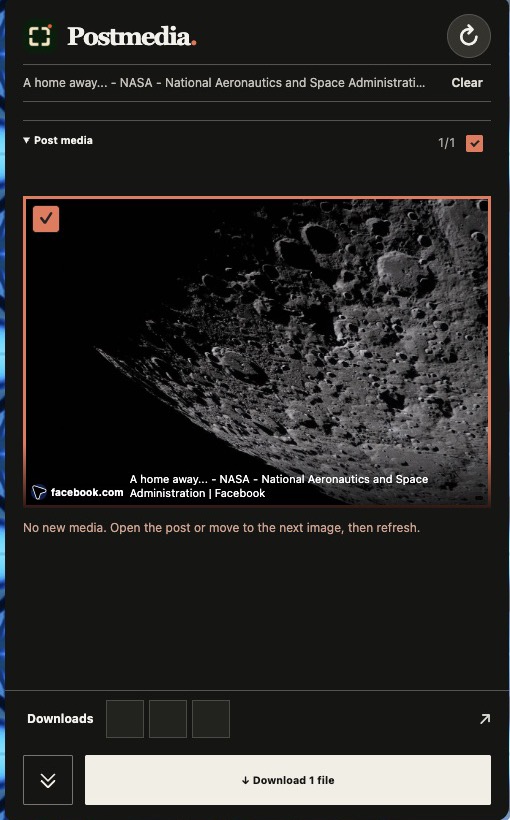
Postmedia is a paid desktop browser extension that helps you collect available media from Facebook and review it before download. Media files are prepared in your browser.
Collect Facebook post images
Sign in to Facebook if needed, open the post itself and launch Postmedia. Wait for the images to load, select those you need, and choose Download to review and save them.
Check the results
Postmedia focuses on images in supported original-post layouts. Facebook comment images are not reliably matched to the post author and may appear in Other. Review each item before adding it.
If an image is missing, open the post directly, load the image and refresh. Page layout and access settings can affect what is available.
Save only media you have permission to use. Check the source site's terms and the file's licence before reuse.