
 Instagram
How to download Instagram post photos and videos
Learn how to collect available Instagram post photos, carousel images and videos using Postmedia.
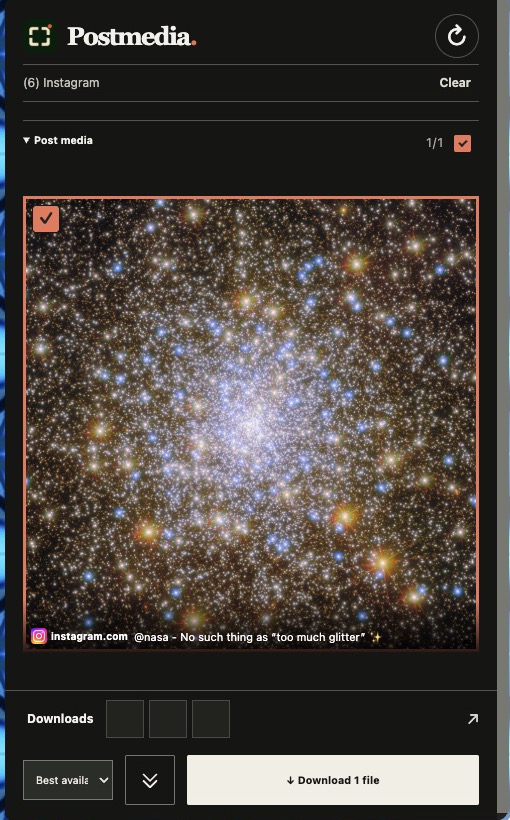
Postmedia is a paid desktop browser extension that helps you collect available media from Instagram and review it before download. Media files are prepared in your browser.
Collect an Instagram post
Sign in to Instagram in your desktop browser, open the post and launch Postmedia. The extension uses your existing session to request post data and shows the media it can find.
Select the photos or videos you need, then choose Download. Review your files and name before you save. One file downloads directly; multiple files are packaged as a ZIP.
Missing a carousel image?
Open the post itself, let the images load and refresh Postmedia. Some private, unavailable or restricted media may not be accessible. Video support depends on the format and the files Instagram makes available.
Save only media you have permission to use. Check the source site's terms and the file's licence before reuse.