
How to collect film, TV and anime images
Collect available posters, backdrops and other page images from TMDB, IMDb, TheTVDB, fanart.tv, AniList and MyAnimeList.
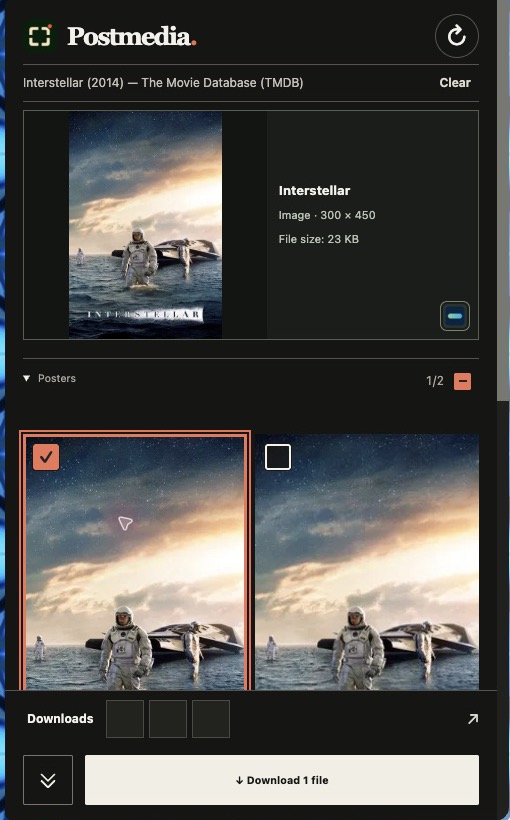
Postmedia can collect loaded images from TMDB, IMDb, TheTVDB, fanart.tv, AniList and MyAnimeList. Depending on the page, you may see sections for posters, backdrops, people and characters, logos or other images.
Collect images from a page
- Open the film, series, person or anime page and open Postmedia.
- Scroll through the source page to load the images you want. Refresh Postmedia if they have not appeared.
- Review each section, select your images and download them as individual files or a ZIP.
Understand the results
Postmedia reads media loaded on the page. It does not promise a complete catalogue, and section labels depend on the information the page provides. Some images may be missed or grouped incorrectly. When an image offers multiple sizes, choose an available download quality.
Save only media you have permission to use, and check the source site's terms and the file's licence.