
How to collect images from Wikipedia and Wikimedia
Learn how to collect loaded images from Wikipedia, Wikidata and Wikimedia Commons with Postmedia.
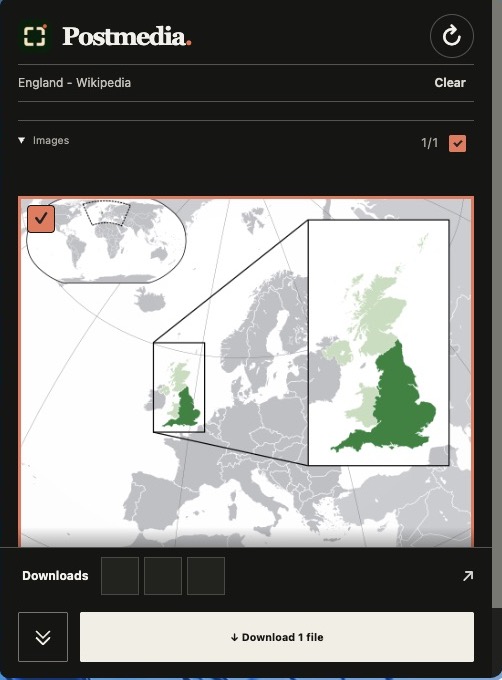

Postmedia can collect loaded images from Wikipedia, Wikidata and Wikimedia Commons pages. This is useful when you want to review several images together before you save them.
Collect page images
- Open an article or media page and open Postmedia.
- Scroll through the page to load its images. Refresh the collection if an image has not appeared.
- Review the Images and other sections, select the files you need and download them.
Check the source and licence
Page results depend on loaded media, and an image may be grouped incorrectly or missing. The preview may use a smaller image than an available download size. Check the source file page for its licence, attribution requirements and original resolution before you reuse it. A file on Wikimedia is not automatically free of all restrictions.
Save only media you have permission to use, and check the source site's terms and the file's licence.