
 X
How to download images from an X thread
Save available images from an X post and its loaded author replies with Postmedia.
Postmedia is a paid desktop browser extension that collects available media in your browser.
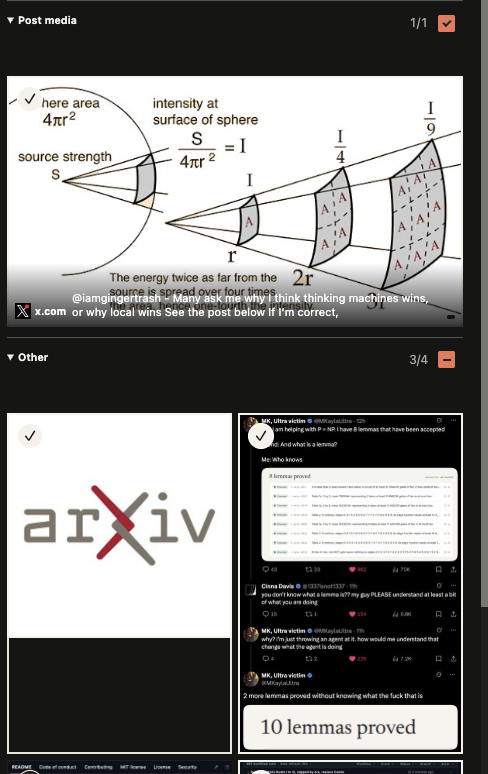
When an X thread has images in replies by the original author, Postmedia can collect those loaded replies alongside the post.
Collect a thread
- Open the original post on X and open Postmedia.
- Scroll through the thread to load the author’s replies. Refresh Postmedia to collect newly loaded media.
- Check the selection. Open Other to review media from other people or items that could not be matched to the author.
- Select Download, review the files and confirm. More than one file is saved in a ZIP.
Only loaded and accessible media can be collected. Verify the source of each item; matching can be incomplete.
Save only media you have permission to use. Check the source site's terms and the file's licence before reuse.