
 X
How to download images and videos from X posts
Save available photos and videos from an X post or thread with Postmedia for your desktop browser.
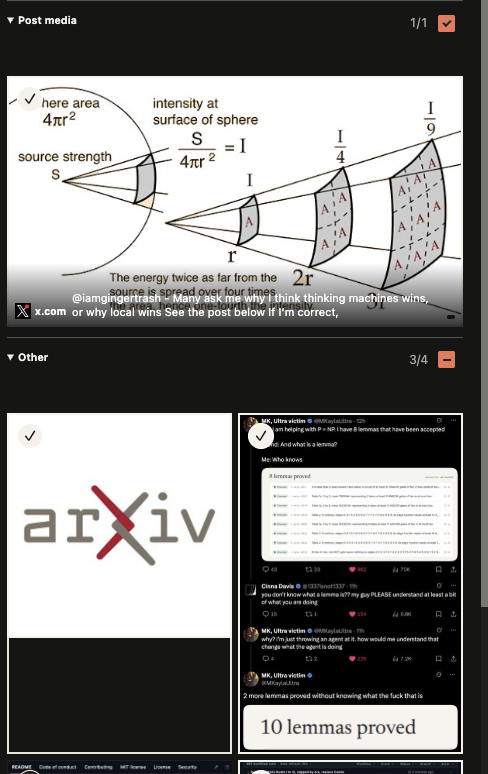
Postmedia is a paid desktop browser extension that helps you collect available media from X and review it before download. Media files are prepared in your browser.
Save media from an X post
Open the post on X, then open Postmedia in your browser. The extension collects available media from the post and checks visible replies. Select the files you want, choose Download and check your selection before saving.
If you are on the timeline, Postmedia tries to identify the most visible post. If the wrong post appears or no media is found, open the post itself and refresh the collection.
Save images from a thread
Scroll to load the author’s replies, then refresh Postmedia to collect more. Media from other people or items that cannot be matched to the author can appear in Other. Review those items before selecting them.
Video and image quality
Some images have a choice of available sizes. Video downloads depend on whether an accessible file is available, and some videos may not download.
Save only media you have permission to use. Check the source site's terms and the file's licence before reuse.