
 YouTube
How to save YouTube videos, captions and thumbnails
Find out how Postmedia collects available YouTube video streams, caption tracks and thumbnails in your browser.
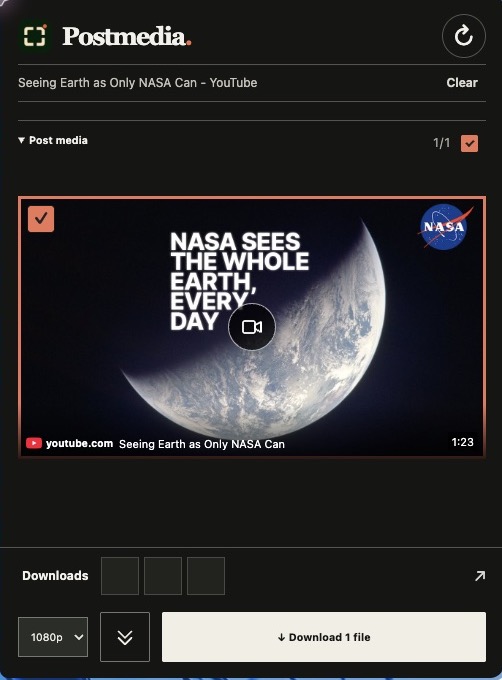
Postmedia can collect available video streams from a YouTube watch page or Short. It can also offer a thumbnail and downloadable captions when the player exposes them.
Choose what to save
- Open the video on YouTube and open Postmedia.
- Select the video and choose a quality when choices are available.
- Select Download. In the review, choose any thumbnail or caption tracks you want, then confirm the download.
One selected file downloads directly. A video with a thumbnail or caption downloads as a ZIP. Keep the browser open until preparation is complete.
Why a video or caption may be missing
Postmedia joins available video and audio streams in the browser. Long videos can use substantial memory. A stream may be protected, unavailable or rejected by the site. Captions appear only when a downloadable track is available.
Save only media you have permission to use, and check the source site's terms and the file's licence.