
 YouTube
How to download a YouTube Short
Learn how to save an available YouTube Short and choose its thumbnail or captions with Postmedia.
Postmedia is a paid desktop browser extension that collects available media in your browser.
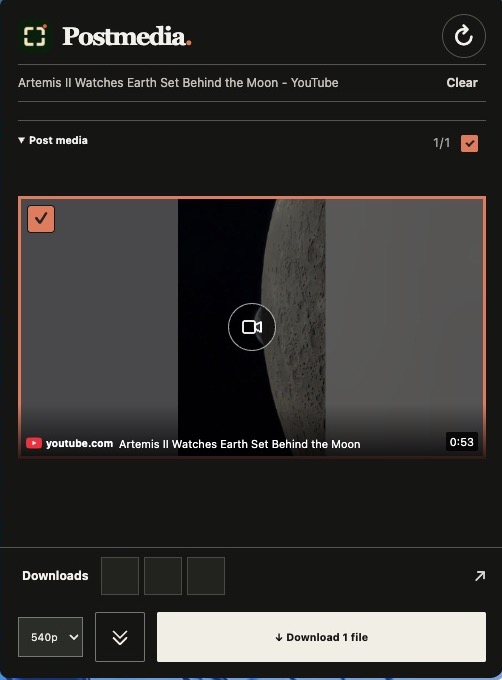
A YouTube Short has its own page. Open that page in a desktop browser and use Postmedia to collect the available video streams.
Save a Short
- Open the Short on YouTube and open Postmedia.
- Choose an available video quality if there is a choice. Select Download to open the review.
- Optionally select the thumbnail or available caption track. Confirm the name and download.
Adding a thumbnail or captions makes the download a ZIP. Postmedia joins available video and audio in the browser. Protected, unavailable or rejected streams may fail; captions appear only when a downloadable track is exposed.
Save only media you have permission to use. Check the source site's terms and the file's licence before reuse.